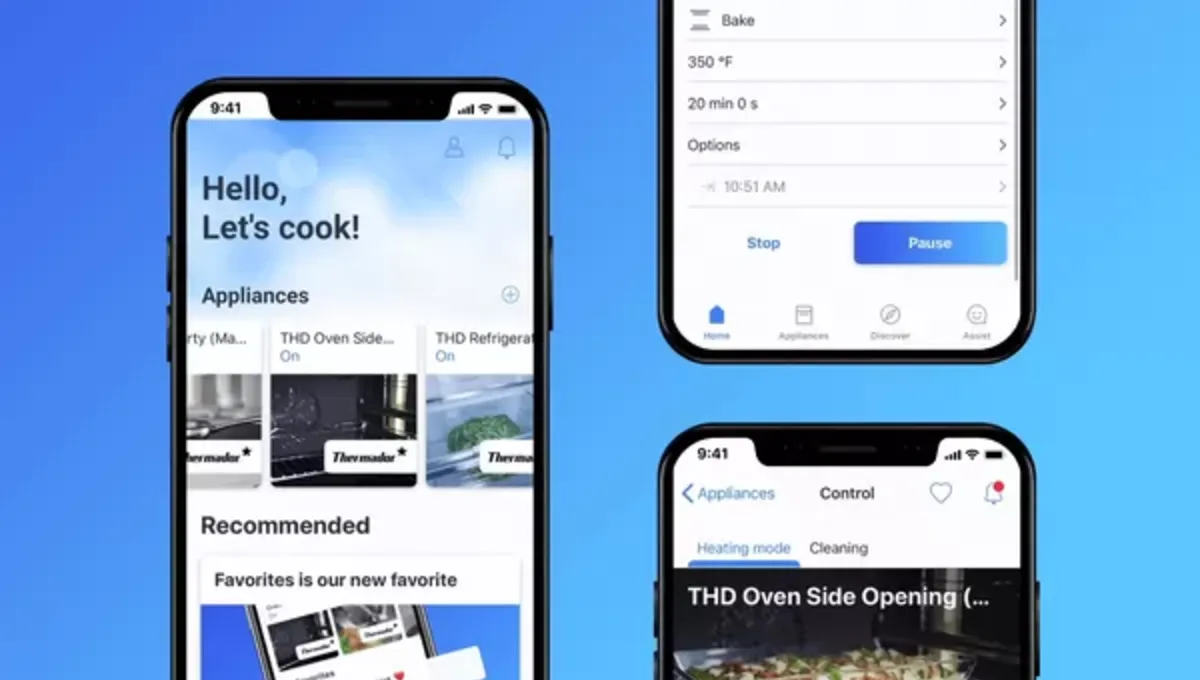
You need the Home Connect® app in order to connect a household appliance with Home Connect®. To get started, you must register with the app.
1. Step-by-step instructions with QR code
You can connect your appliance with Home Connect® function to your Wi-Fi by scanning the provided QR code. You'll find it on the enclosed Quick Start Guide. If you don't have this document handy, simply select your product category above to find the right QR code for your household appliance in just a few steps.
The Home Connect® app shows you how to activate Home Connect® on your household appliance. Follow the instructions on your mobile device and scan the QR code.
Interested in understanding more? The app offers one of the following two methods depending on the model of your household appliance:
Option A
Your household appliance establishes a temporary Wi-Fi network with the name "HomeConnect".
Note: If your smartphone does not connect to the temporary Wi-Fi network automatically, select the network manually in your phone's settings. The password is "HomeConnect". Instructions in the app explain how this works.
Option B
Some household appliance models establish a connection with the app via Bluetooth. Instructions in the app explain how this works.
For both cases, you enter your access data for your home network (= your Wi-Fi network at home) in the app. This data is now transmitted to your household appliance so that it can connect with your Wi-Fi.
2. Installation with W-iFi Protected Setup (WPS)
Please select this method only if you are familiar with the WPS function of your Wi-Fi router.
If you have a Wi-Fi router with a WPS function, you can turn on your household appliance and navigate to the appliance settings. On the household appliance, choose "Automatic network connection" ("Automatische Netzwerkverbindung", also called "AC") and click "Connect".
Now activate the WPS function on your Wi-Fi router. For more information about the WPS function, see your Wi-Fi router guide.
Then open the Home Connect app. Click "Add appliance" or the "+" symbol and follow the instructions. The app now automatically finds your household appliance in your Wi-Fi network.