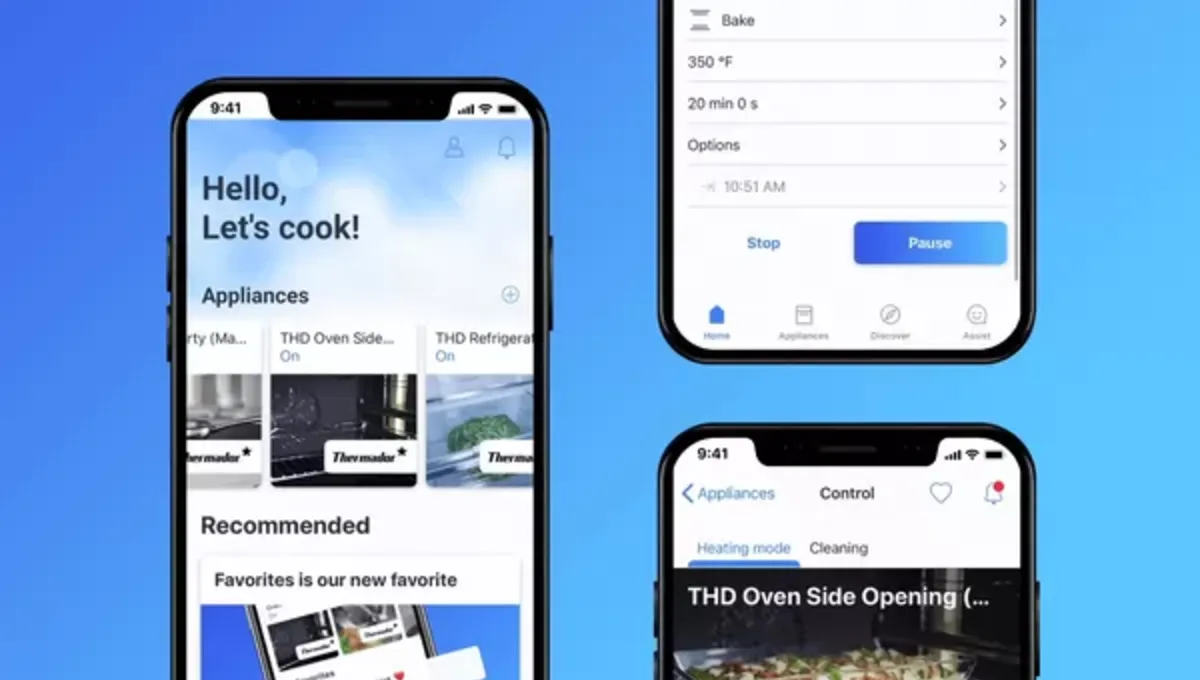
Pair your Professional Oven
If you have opened this page on your smartphone, you can click here to directly start connecting your appliance.Scan to connect your oven.
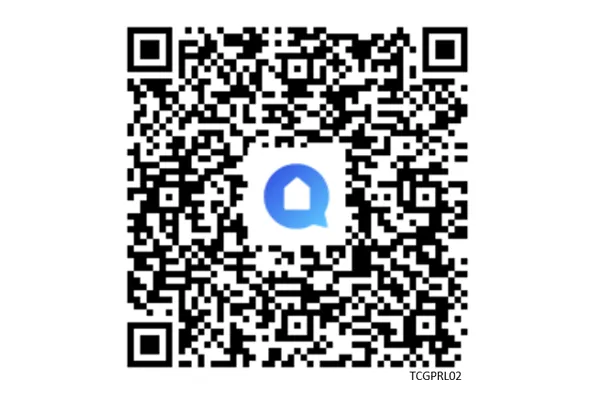
Use your smartphone camera to scan the QR code for setup instructions. Alternatively, open the Home Connect app, tap "Add appliance" or the "+" icon, and follow the on-screen steps.
Need help? Check out our WiFi pairing Home Connect® FAQs.
How-to Tips & Resources
Discover all of the benefits of your connected kitchen appliance with easy how-to videos. Learn how to connect with many of the smart home devices and services you might already have in your home. Whether you’re preheating the Oven or starting the Dishwasher on the go, you can always stay connected. Keep your hands free using voice commands with Amazon Alexa or Google Home.